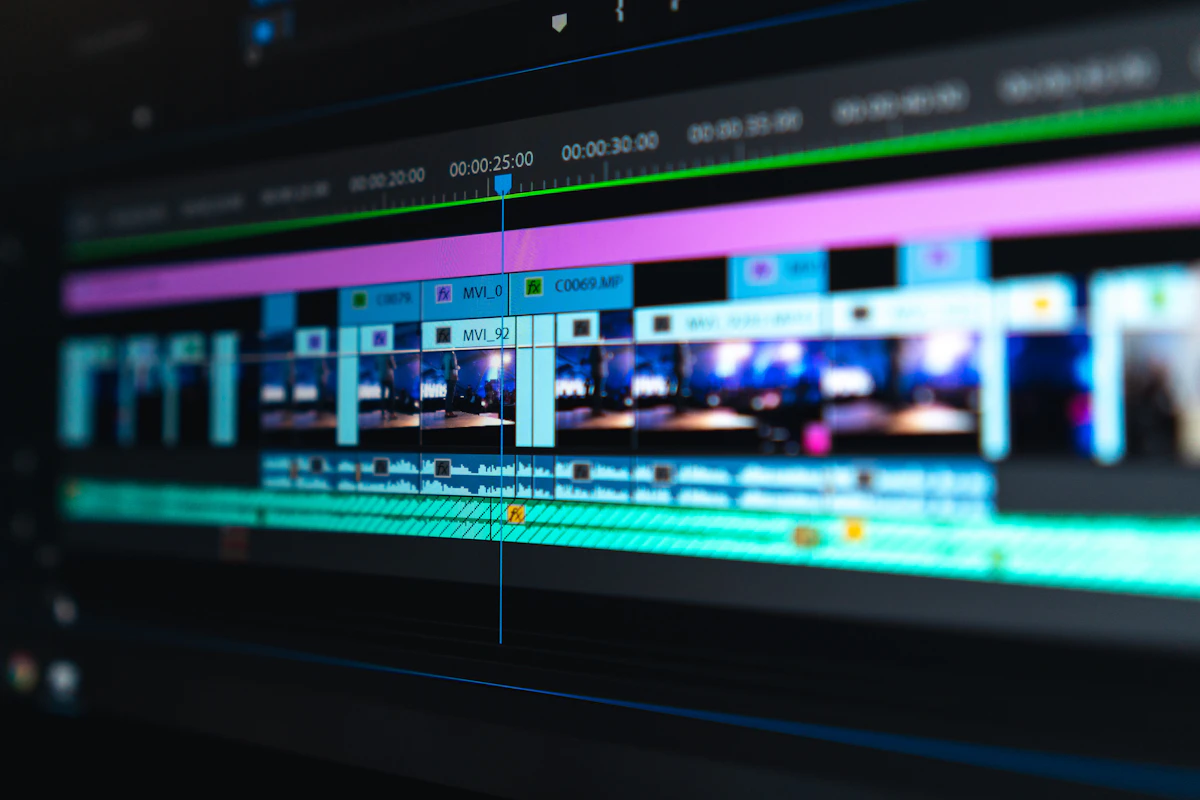
The video editing landscape has undergone a seismic shift. Content creators are no longer forced to choose between rudimentary mobile clipping tools and prohibitively expensive subscription NLEs. Today, two free desktop powerhouses dominate short-form and long-form video production: CapCut Desktop and Blackmagic DaVinci Resolve 19.
While both applications offer robust free tiers, they are engineered for diametrically opposed editing philosophies. In this detailed comparison, we evaluate both platforms across timeline efficiency, automated AI captioning, color grading capabilities, audio engineering, and hardware resource utilization.
1. CapCut PC: Velocity, Social Presets & Viral Workflow Speed
Developed by ByteDance, CapCut Desktop was built from the ground up for one primary objective: producing high-engagement vertical video in the shortest possible time. If your workflow requires delivering three to five TikToks, Instagram Reels, or YouTube Shorts daily, CapCut's velocity is virtually unmatched.
- Industry-Leading Auto-Captions: CapCut's speech-to-text algorithm generates word-by-word animated subtitles with over 95% accuracy in dozens of languages. You can apply trending kinetic animation presets, emoji auto-insertion, and high-contrast font styles with a single click.
- Integrated Asset Library: Royalty-free sound effects, trending viral audio stems, background music, green-screen stickers, and video transitions are built directly into the UI, eliminating the need to download external asset packs.
- Smart AI Video Tools: Features like background removal (auto-cutout without green screen), optical flow speed ramping, facial retouching, and transcript-based editing drastically compress turnaround time.
- Learning Curve: Minimal. An editor with zero prior NLE experience can install CapCut PC and output a polished vertical Short within thirty minutes.
2. DaVinci Resolve 19: Hollywood Color Science & Audio Mastering

Stainless Steel Fruit Slicer Cutter Review & Buying Guide
Upgrade your kitchen prep with this durable stainless steel fruit slicer. Effortlessly slice apples, pears, and more into uniform pieces in seconds.
- Sharp stainless steel blades ensure clean cuts through firm fruit flesh
- Integrated central corer removes seeds and core in one smooth motion
- Sturdy structural frame designed to withstand regular downward pressure
Blackmagic Design's DaVinci Resolve is an Oscar-caliber non-linear editor, node-based color grader, VFX compositor (Fusion), and professional digital audio workstation (Fairlight)—all unified in a single software application. Its standard free version is astonishingly powerful, containing zero export watermarks or artificial resolution caps up to 4K 60fps.
- Industry-Standard Color Grading: Resolve's node-based color page allows editors to work with wide-gamut camera RAW footage (Sony S-Log3, Canon C-Log, Apple ProRes Log) using 32-bit floating-point color science. You can isolate specific skin tone hues, balance shadow tint, and construct complex film emulation grades that are impossible in CapCut.
- Fairlight Professional Audio Suite: Complete audio mastering with multi-track busing, parametric EQ, compression, and AI Voice Isolation that strips background traffic noise, HVAC hum, and reverberation with studio-grade transparency.
- Hardware Acceleration & Timeline Stability: Resolve is heavily optimized for Apple Silicon (M-series) and modern NVIDIA RTX GPUs, handling multi-camera 4K timelines smoothly without proxy stutter.
- Learning Curve: Steep. Mastering node workflows, color space transforms (CST), and Fairlight routing requires dedicated study and practice.
Direct Feature Comparison Matrix
| Workflow Category | CapCut Desktop | DaVinci Resolve 19 (Free) |
|---|---|---|
| Primary Target | Short-Form (Shorts, Reels, TikTok) | Cinematic, Commercial, YouTube Long-Form |
| Auto-Captioning | Built-in, highly animated, instant presets | Basic subtitle generator (manual styling) |
| Color Grading | Basic LUTs and slider adjustments | Hollywood node-based 32-bit color science |
| Audio Processing | Basic noise reduction and voice effects | Fairlight DAW, AI Voice Isolation, EQ & compression |
| System Requirements | Low (runs on budget laptops and MacBooks) | Moderate to High (requires dedicated GPU & 16GB+ RAM) |
| Watermarks / Cost | Free (optional CapCut Pro features) | 100% Free (Studio upgrade is optional $295 one-time) |
Which Video Editor Should You Choose?
- Choose CapCut Desktop if: You are a solo creator, social media manager, or faceless automation channel producer focusing exclusively on vertical short-form content where rapid publishing velocity, animated captions, and trending stickers are critical to retention.
- Choose DaVinci Resolve if: You shoot on mirrorless cameras or smartphones in 10-bit Log, produce long-form YouTube essays or narrative films, require pristine audio isolation, and want to learn an industry-standard skill that translates directly to professional film and commercial production.
- The Hybrid Approach: Many top creators utilize both tools synergistically: performing color grading and audio cleanup in DaVinci Resolve, exporting an intermediate master, and bringing it into CapCut Desktop for final animated captioning and viral transition polish.